Appearance
双系统安装
安装双系统教程推荐 双系统的安装和卸载】 我大学时候折腾过,是照着这个配的
本来寻思整理下笔记,
可惜装系统时候没有采集卡,没法录屏
如果以后有机会再装的话,买个采集卡记录下再来补
下载 Ubuntu 系统镜像
推荐下载站 https://next.itellyou.cn/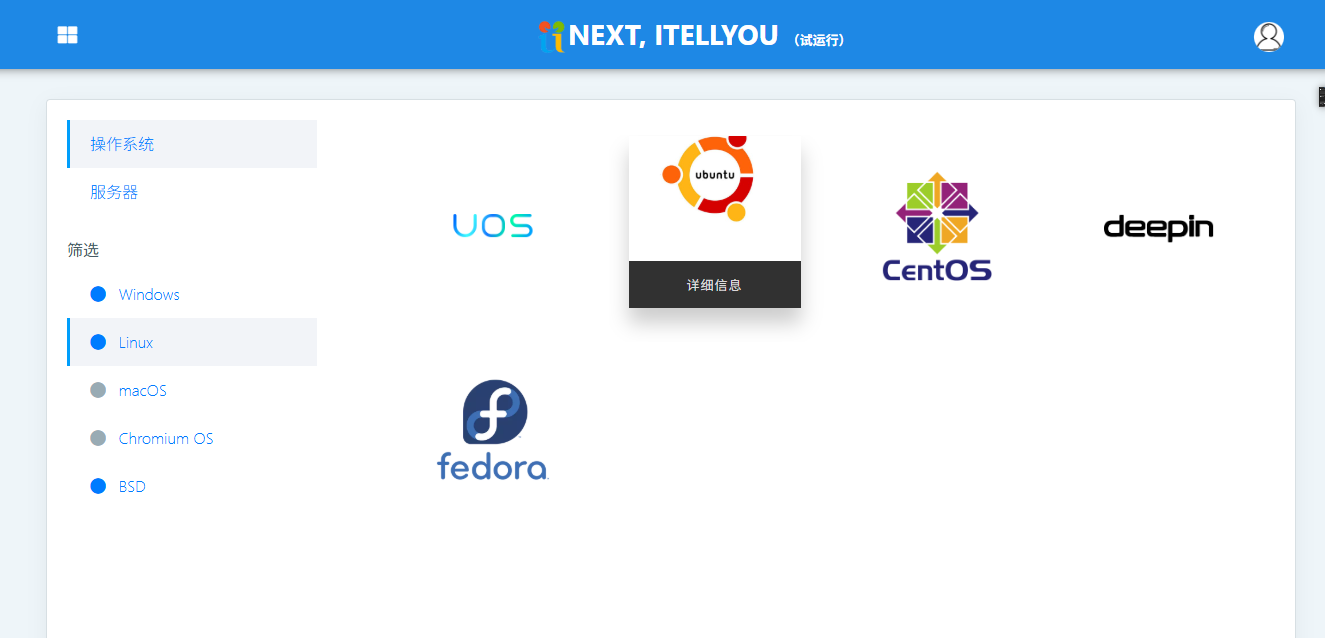 我们选择Ubuntu,记得下载桌面版
 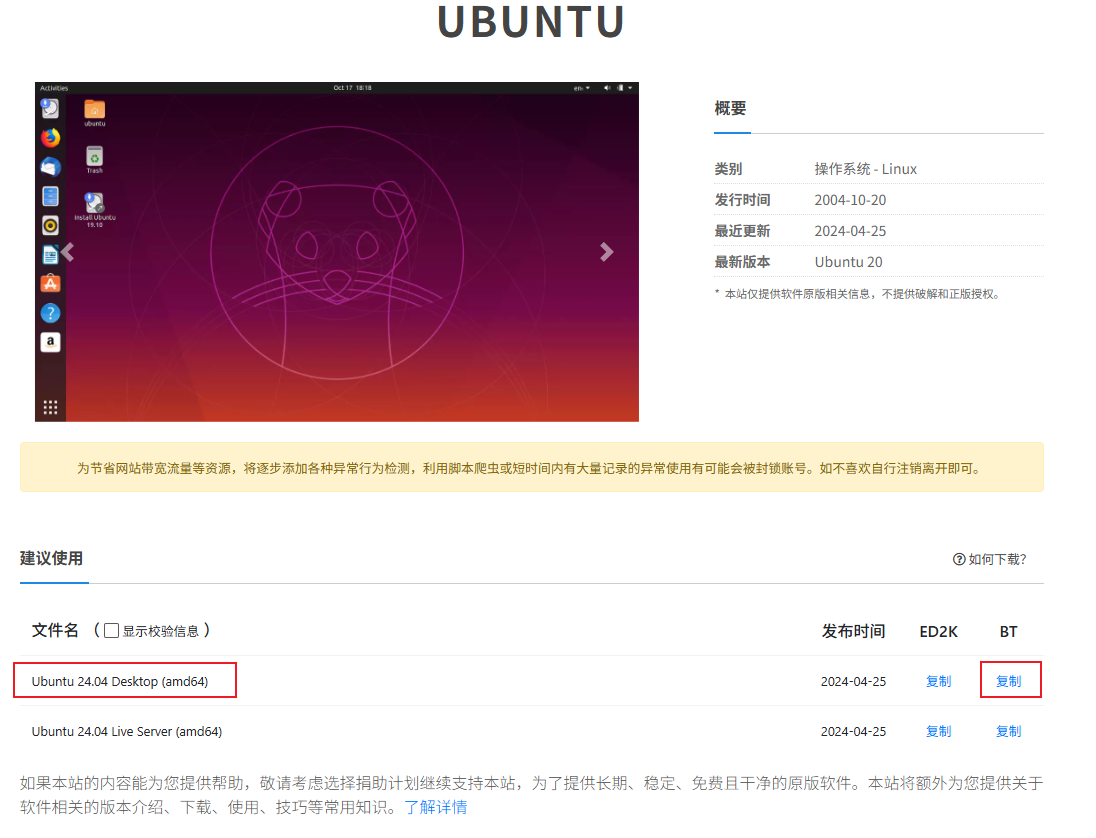 也可以在下边选择老版本,我选的是22.04版本
制作启动盘
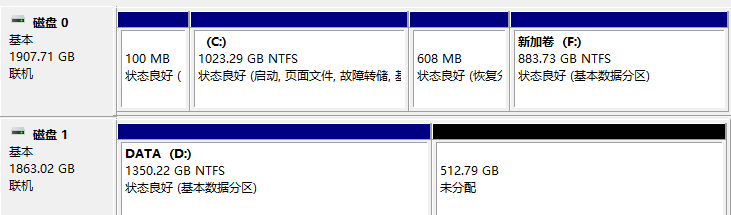
分盘
打开磁盘管理
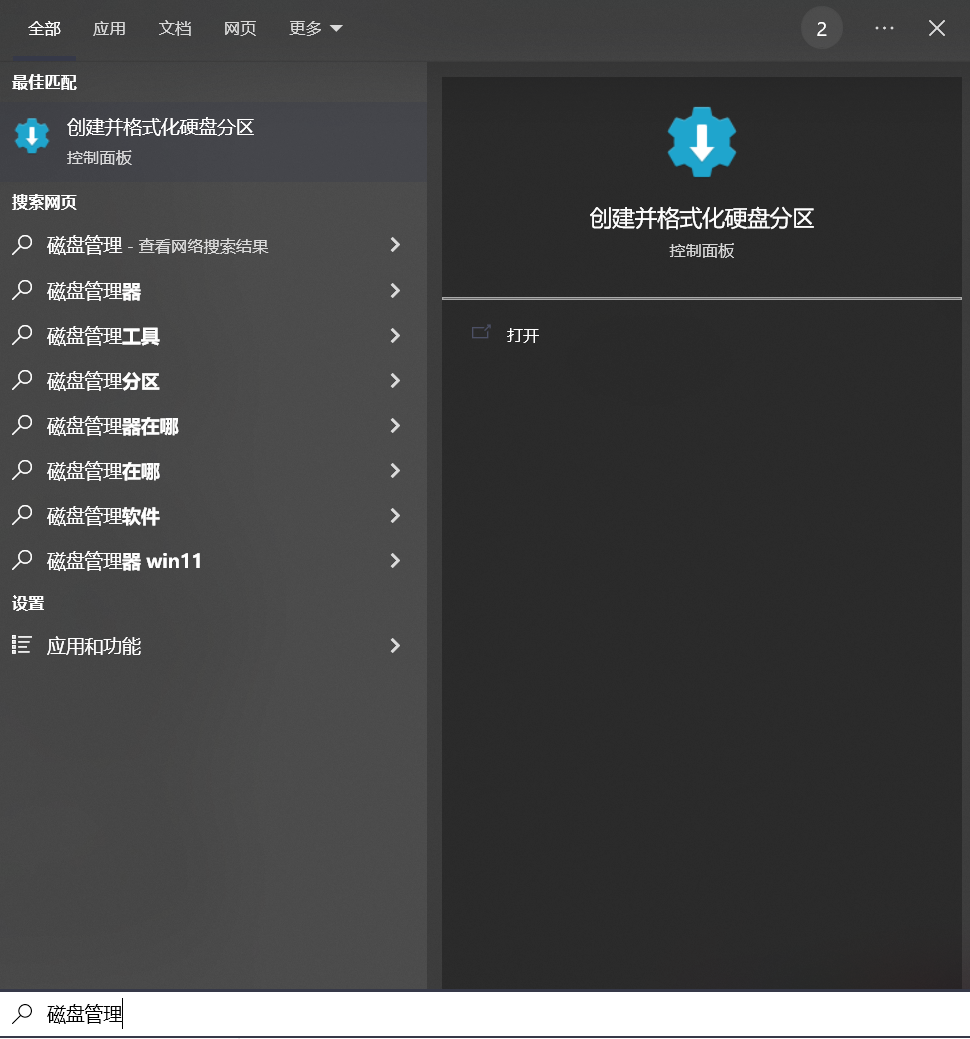
右键D盘,选择压缩卷 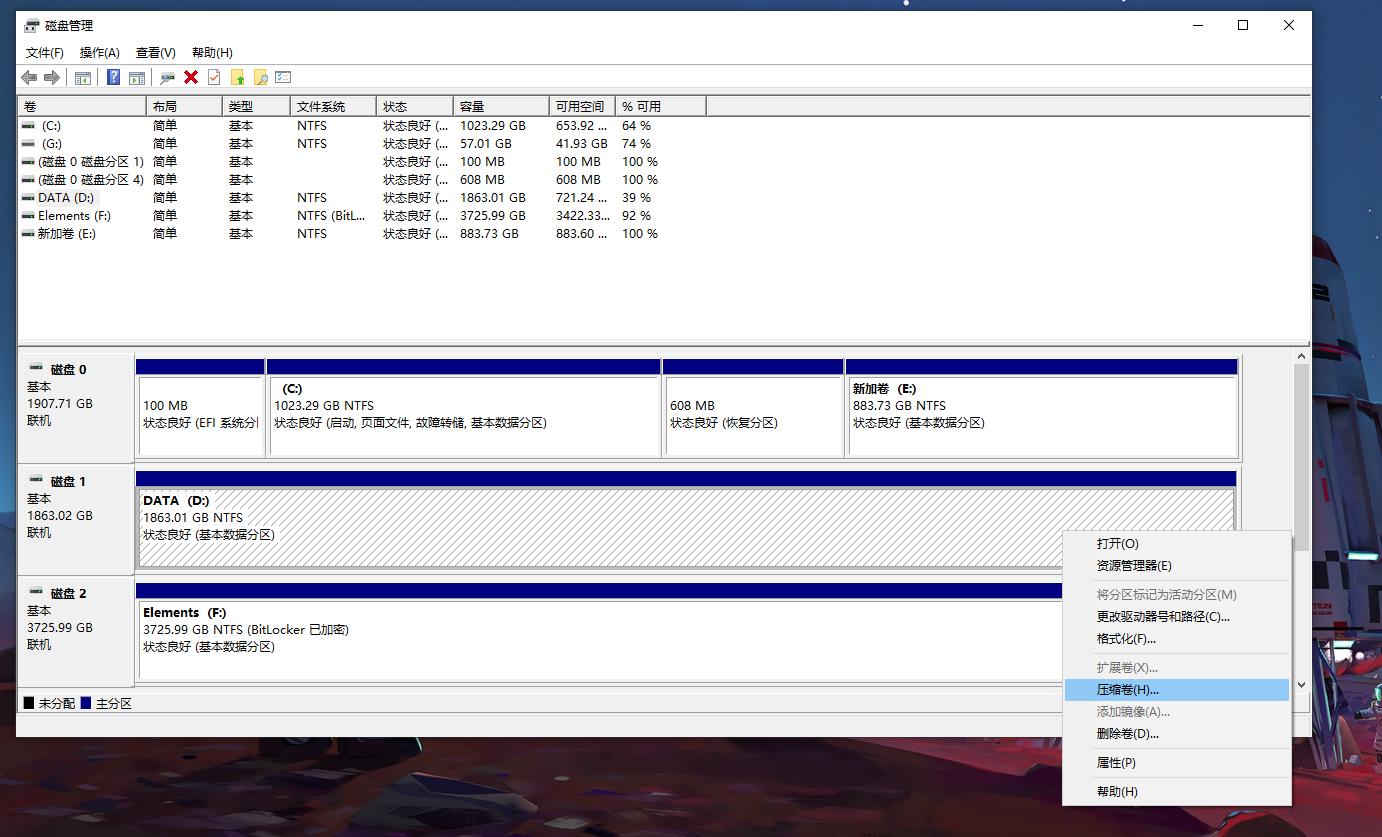
压缩成功,出现一块“未分配”的磁盘
输入法(fcitx5)
shell
sudo apt install fcitx5 fcitx5-chinese-addons fcitx5-frontend-gtk3 fcitx5-frontend-gtk2 fcitx5-frontend-qt5 kde-config-fcitx5


# 下载词库文件
wget https://github.com/felixonmars/fcitx5-pinyin-zhwiki/releases/download/0.2.5/zhwiki-20240509.dict
# 创建存储目录
mkdir ~/.local/share/fcitx5/pinyin/dictionaries/
# 移动词库文件至该目录
mv zhwiki-20240509.dict ~/.local/share/fcitx5/pinyin/dictionaries/
在官网下载安装包,下载后为 .zip 格式 的压缩包 进入下载目录,解压 unzip 压缩包.zip
sudo apt install net-tools
chat
< Fitzwilliam Darcy | I've fought against my judgement, my family's expectations... The inferiority of your birth, my rank and circumstance. | 23rd July, 1846 at 5:42 PM
> Elizabeth Bennett | Now hold on, Mr. Darcy, I'm afraid I don't understand where you're going with this. | 23rd July, 1846 at 5:42 PM